The passport photo,
done right at home.
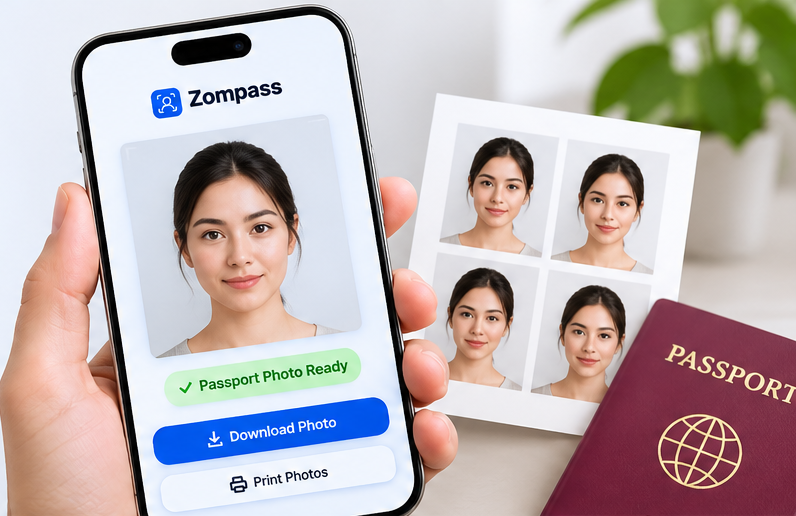
Upload a photo or take one with your phone. We size it for your country, swap in the right background, check it like a photo booth would — and give you a digital photo and a 4×6 print sheet.
- Free, no sign-up
- Your photo never leaves your device
- Ready in about a minute
Private by design
Everything happens in your browser. No upload, no account, nothing stored.
Exact sizes
Pixel-perfect digital photos and real-size prints for each country’s rules.
Checked like a booth
Ten automatic checks for pose, eyes, light, sharpness and background.
Print anywhere
A 4×6 sheet with several copies — print it at a pharmacy or photo kiosk.
Four steps. About a minute.
No studio, no appointment, no app to install.
 1
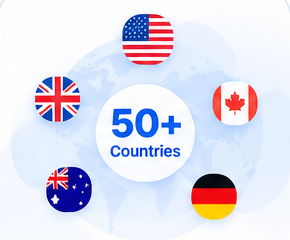
Choose your country
Pick from the list. We load the right size, background and resolution.
 2
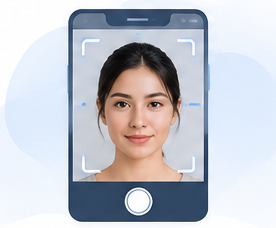
Add your photo
Upload one — or on your phone, take it right here with the camera.
 3
We prepare and check it
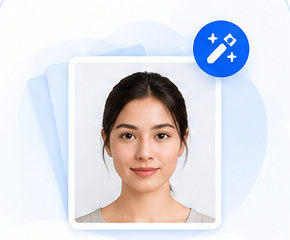
Background swapped, head sized and centred, eyes levelled, then ten checks.
 4
Download and print
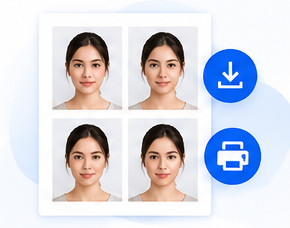
Get the digital JPG, a 4×6 print sheet, or a ready-to-print PDF.
Sized for where you’re applying
13 countries are ready now. 37 more are listed and on their way as their rules are set up and checked.
Know it’s right before you print
Every photo is checked automatically. Anything that needs attention is marked Warning or Fail — with exactly what to change.
A pass means our automated checks succeeded — no tool can promise that an authority accepts a photo.
- One faceOnly you in the photo
- Head positionFacing the camera, chin level
- Eyes openBoth clearly visible
- ExpressionNeutral, mouth closed
- LightingEven, not too dark or bright
- SharpnessIn focus, no blur
- ResolutionEnough detail to print
- Head sizeWithin the country’s range
- ShouldersUpper shoulders in frame
- BackgroundClean edges, right colour
Three downloads, ready for anything
Upload the digital photo to an online application, or print the sheet at any pharmacy or photo kiosk.
- Digital photoJPG at the exact pixels for your country
- 4×6 print sheetAs many real-size copies as fit, with cut lines
- Print-ready PDFA 4×6 page at actual size — no scaling
Print at “actual size / 100%” on 4×6 in (10×15 cm) photo paper.
Your face stays with you
Most photo sites upload your picture to their servers. We don’t. The face finding, background swap, checks and downloads all run inside your browser, on your device.
- No upload, no cloud storage
- No account, email or phone number
- Gone when you close the tab — or tap “Delete now”
Questions, answered
Is it really free?
Yes. No sign-up, no payment, no watermark.
Will my photo be accepted?
We size and check your photo against the rules we have for your country, but only the issuing authority decides. Please check your country’s official photo rules before you apply.
Do you store my photo?
No. It’s processed inside your browser and never uploaded. Close the tab, start over or tap “Delete now”, and it’s gone.
Can I take the photo with my phone?
Yes — on a phone you can take it right in the page. Ask someone to take it from about 1.5 m (5 ft) away at eye level, in front of a plain, light wall with even light.
How do I print it?
Download the 4×6 sheet (JPG or PDF) and print it at actual size on 4×6 in photo paper — at home or at a pharmacy or photo kiosk. Cut along the grey lines.
My country says “coming soon”.
We know its photo size, but its background, resolution and head position still need to be set up and checked. It will be enabled once that’s done.
Can it change my clothes or fix my face?
No — on purpose. Passport rules don’t allow edits to how you look. We only crop, straighten, resize and replace a plain background.
Take it with your phone camera
The Zompass app guides you while you take the photo — face in the frame, head straight, good light — then prepares, checks and prints it just like the website.
- Face guide on the camera
- Save to Photos or share
- Your saved photos on every device
The apps are on their way. Until then, everything works right here in your phone’s browser.